
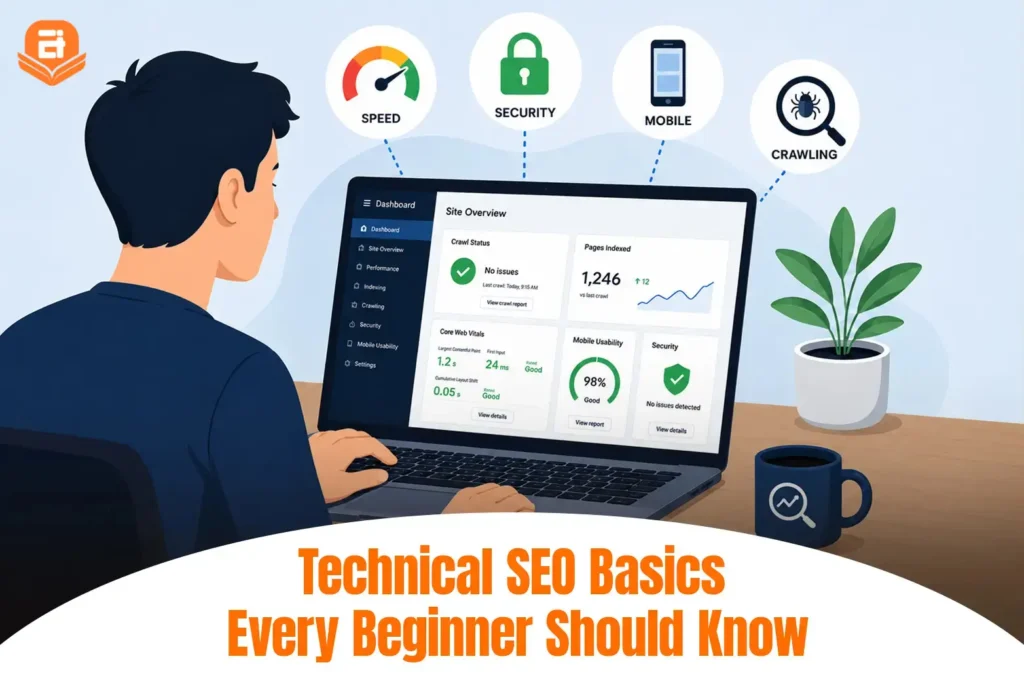
Technical SEO focuses on the technical side of your website rather than the content itself. It covers elements like site speed, mobile friendliness, security, and site structure; the behind-the-scenes work that helps your pages appear in search results even when your content is already strong.
Technical SEO works behind the scenes, but it plays a critical role in helping your website perform well in search results. In this guide, you’ll learn technical SEO basics every beginner should know, why they matter, and the key practices that help build a strong foundation for long-term SEO success.
What is Technical SEO?
Technical SEO focuses on optimizing the technical aspects of a website so search engines can access, understand, and rank its content more effectively. Rather than improving the content itself, it ensures your website has the technical foundation needed to support your overall SEO efforts.
A simple way to understand the different types of SEO is as follows:
- On-page SEO focuses on optimizing the content on your website, including keywords, headings, meta tags, and images.
- Off-page SEO focuses on building your website’s authority through backlinks, brand mentions, and other external signals.
- Technical SEO focuses on your website’s infrastructure, including crawlability, indexability, site speed, mobile friendliness, security, and site structure.
Technical SEO is important because even high-quality content may not rank well if search engines cannot properly crawl or index your website. By creating a website that is fast, secure, and easy to navigate, technical SEO helps search engines understand your content while also improving the overall user experience.
How Search Engines Work: Crawling, Indexing, and Ranking
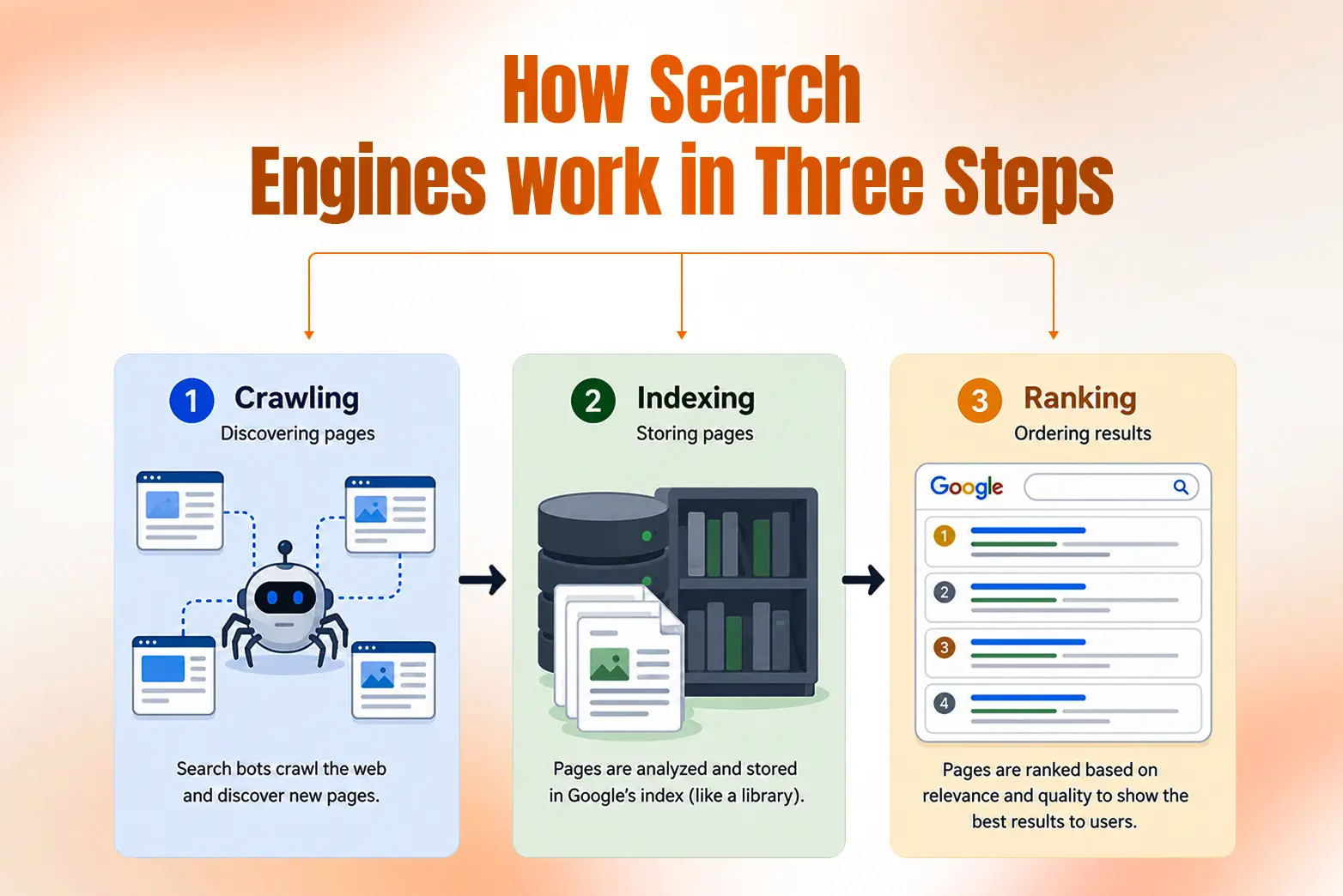
Before understanding technical SEO, it is helpful to know how search engines discover and evaluate websites. In simple terms, search engines follow a three-step process:
Crawling
Search engines use automated programs, often called crawlers or bots, to discover new and updated web pages. They follow links across websites to find content and understand what’s available on the web.
Indexing
Once a page is crawled, search engines analyze its content and store it in a massive database called an index. If a page isn’t indexed, it won’t appear in search results, no matter how valuable its content is.
Ranking
When someone searches for a topic, search engines evaluate the pages in their index and rank the most relevant and useful results. Factors such as content quality, relevance, user experience, and technical SEO all influence where a page appears in search results.
You can think of the process like this:
Crawl > Index > Rank
Technical SEO supports each of these steps. It helps search engines discover your pages, understand their content, and access them without technical issues. When your website has a strong technical foundation, search engines can evaluate it more effectively, giving your content the best opportunity to appear in relevant search results.
The Technical SEO Basics: A Beginner’s Checklist
Technical SEO covers many different elements, but you don’t need to master everything at once. Start by understanding the fundamentals below. Together, they help search engines crawl, index, and understand your website more effectively.
Crawlability
Crawlability refers to how easily search engine bots can discover and access your web pages. If important pages can’t be crawled, they won’t be considered for indexing or ranking. On large sites, this also means using “crawl budget” efficiently so bots focus on pages that matter.
Beginner tips: Use the URL Inspection tool in Google Search Console to confirm Google can reach your important pages, and make sure none are accidentally blocked in your robots.txt file.
Indexability
Indexability determines whether a crawled page can be added to a search engine’s index. A page may be crawlable but still fail to appear in search results if it isn’t indexed.
Beginner tip: In Google Search Console, open the Pages report and check the “Why pages aren’t indexed” section — it shows the exact reason any page is being left out, such as a stray “noindex” tag or a canonical pointing elsewhere.
XML Sitemap
An XML sitemap is a file that lists the important pages on your website. It helps search engines discover your content more efficiently, especially on larger websites.
Beginner tip: Submit your sitemap through Google Search Console after publishing your website.
Robots.txt
The robots.txt file tells search engine bots which parts of your website they can or cannot crawl. It controls crawling, not indexing, so a page blocked here can still appear in search results if other pages link to it. To keep a page out of search entirely, use a noindex tag or protect it behind a login.
Beginner tip: Review your robots.txt file carefully to ensure you’re not preventing search engines from accessing valuable content.
Site Speed
Site speed measures how quickly your web pages load. Faster websites provide a better user experience and make it easier for visitors to interact with your content.
Beginner tip: Compress images, reduce unnecessary scripts, and enable browser caching to improve loading times.
Core Web Vitals
Core Web Vitals are Google’s performance metrics that measure loading speed, responsiveness, and visual stability. They help evaluate how users experience your website.
Beginner tip: Use PageSpeed Insights to identify performance issues and recommendations.
Mobile Friendliness
Most users browse the web on mobile devices, so your website should display and function well on smaller screens. A responsive design ensures visitors have a consistent experience across different devices.
Beginner tip: Test your website on both desktop and mobile to make sure text, buttons, and images display correctly.
HTTPS Security
HTTPS encrypts the connection between your website and its visitors, making browsing more secure. It also helps build user trust and is considered a standard practice for modern websites.
Beginner tip: Install an SSL certificate so your website loads securely with https:// instead of http:// .
Site Architecture
Site architecture refers to how your website’s pages are organized and connected. A flat structure keeps important pages within a few clicks of the homepage, helping both users and search engines navigate your content easily.
Beginner tip: Organize related pages into logical categories and avoid creating pages that are difficult to reach.
Internal Linking
Internal links connect one page of your website to another. They help search engines discover more content while guiding visitors to related information.
Beginner tip: Link to relevant pages naturally within your content instead of adding links only for SEO purposes.
Canonical Tags
Canonical tags tell search engines which version of a page should be treated as the primary version when similar or duplicate pages exist.
Beginner tip: Use canonical tags to avoid duplicate content issues and consolidate ranking signals.
Structured Data
Structured data provides additional information about your content using standardized code. It helps search engines better understand your pages and may enable rich search results.
Beginner tip: Validate your structured data using schema.org vocabulary, then validate it with Google’s Rich Results Test before publishing.
Redirects
Redirects automatically send users and search engines from one URL to another, commonly used when pages are moved or deleted. A 301 is permanent and passes ranking signals; a 302 is temporary.
Beginner tip: Use 301 redirects for permanent URL changes to preserve SEO value.
Broken Links
Broken links lead to pages that no longer exist, creating a poor experience for both users and search engines.
Beginner tip: Regularly audit your website and fix or redirect broken links to keep your site healthy.
Free Tools to Check Your Technical SEO
You don’t need expensive software to start learning technical SEO. Several free tools can help you identify technical issues, monitor your website’s performance, and understand how search engines view your site.
Tool | What It Helps You Check | Best For |
Indexing status, crawl errors, sitemaps, and search performance | Monitoring your website’s presence in Google Search | |
Page speed, Core Web Vitals, and performance recommendations | Improving website speed and user experience | |
Structured data and eligibility for rich results | Validating schema markup | |
Site health, indexing, backlinks, and SEO | Monitoring your website in Bing search | |
Broken links, redirects, duplicate pages, and metadata | Performing basic technical SEO audits |
You don’t need to use every tool at once. If you are just getting started, begin with Google Search Console to monitor your website and PageSpeed Insights to improve loading speed. As you become more comfortable with technical SEO, you can explore additional tools to perform more detailed site audits and identify opportunities for improvement.
Common Technical SEO Mistakes Beginners Make
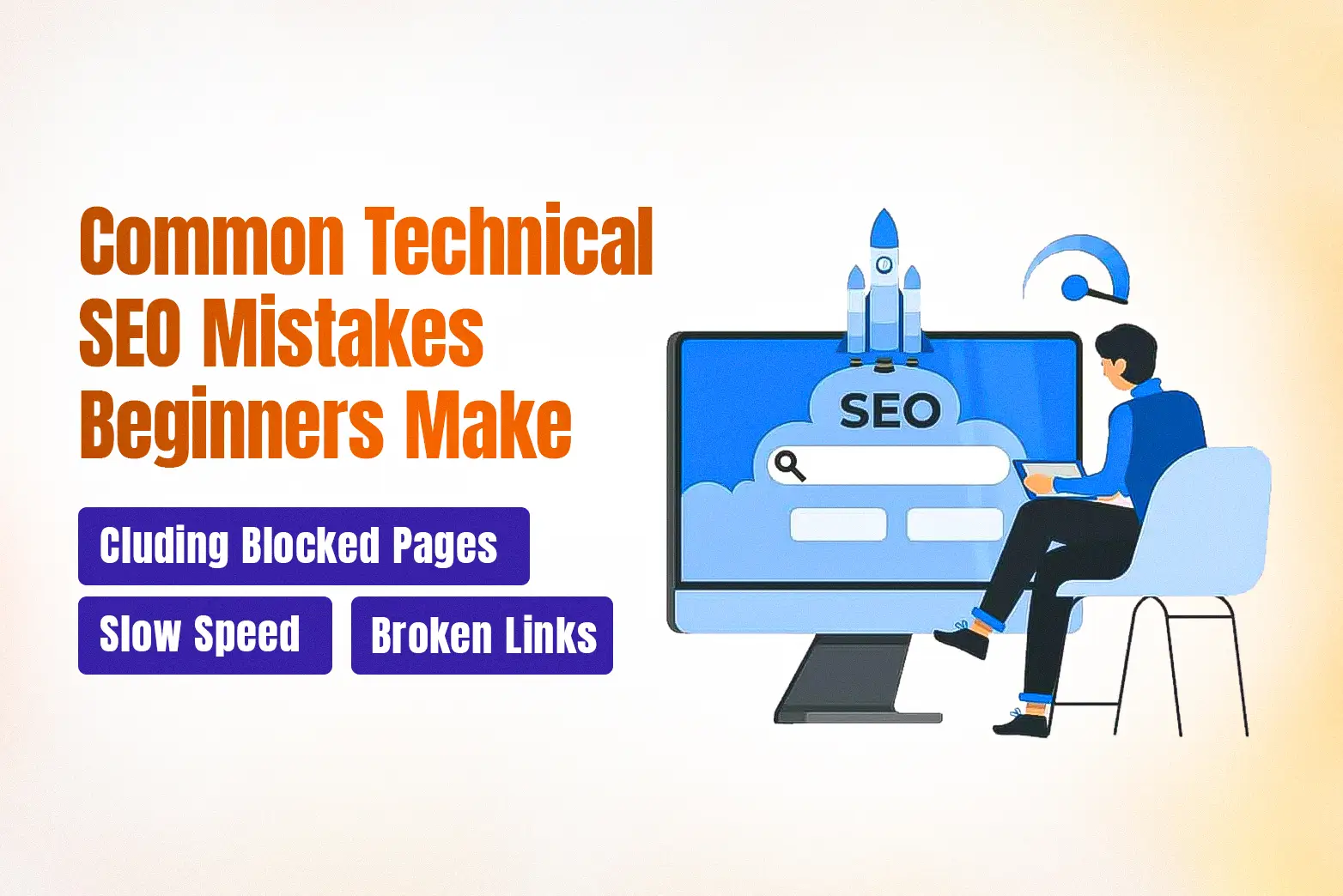
Technical SEO mistakes can prevent your website from performing well in search results, even if you have high-quality content. The good news is that most of these issues are easy to identify and fix once you know what to look for.
Here are some of the most common mistakes beginners make:
- Blocking important pages from search engines by accidentally using robots.txt or noindex tags.
- Not submitting an XML sitemap makes it harder for search engines to discover your pages.
- Ignoring page speed can lead to poor user experience and lower search visibility.
- Overlooking mobile optimization, even though most users browse on mobile devices.
- Leaving broken links and redirect errors unfixed creates a frustrating experience for both users and search engines.
- Using duplicate content without canonical tags can confuse search engines about which page to rank.
- Skipping regular technical SEO audits, allowing small issues to grow into larger problems over time.
The best way to avoid these mistakes is to regularly review your website using tools like Google Search Console and PageSpeed Insights. Even simple checks can help you identify technical issues early and keep your website accessible to both users and search engines.
How to Learn Technical SEO (next steps)
Learning technical SEO doesn’t require a technical background, but it does require a structured approach. Instead of trying to learn everything at once, build your skills step by step:
- Learn the fundamentals: Start by understanding how search engines crawl, index, and rank web pages, along with core technical SEO concepts like site speed, mobile friendliness, and XML sitemaps.
- Practice technical SEO audits: Analyze your own website or a practice site to identify common issues such as broken links, indexing errors, duplicate content, and slow-loading pages.
- Get familiar with SEO tools: Learn how to use tools like Google Search Console, PageSpeed Insights, and Screaming Frog to monitor your website and diagnose technical SEO issues.
The best way to learn technical SEO is through consistent practice on real websites. If you prefer a structured learning experience, an SEO course can provide guided instruction, practical projects, and expert feedback. If you are planning to build a career in SEO, you can also follow this SEO career roadmap for beginners to understand the skills, tools, and learning path needed to start professionally.
If you want to learn technical SEO through hands-on projects and expert guidance, explore our Training Course and build practical skills that employers value.
Search Engine Optimization (SEO) Training
Looking to build a career in search engine optimization and help websites achieve higher visibility on Google? Our SEO Training…

Digital Marketing Training
Looking for digital marketing training in Nepal that goes beyond theory? Digital Marketing Fundamentals is built for students, job seekers,…
Conclusion
Technical SEO is the foundation of a search-friendly website. By understanding how search engines crawl, index, and rank pages, and by following basic technical SEO best practices, you can create a website that is easier for both users and search engines to navigate. Start with fundamentals, use free SEO tools to monitor your site, and improve your technical SEO over time as your website grows.
Frequently Asked Questions
What is technical SEO and why is it important?
It is the process of optimizing your website so search engines can crawl, index, and understand it. It matters because even great content will not rank if search engines cannot properly access your site.
Is technical SEO hard for beginners?
No. It can look complex at first, but you can learn it step by step, starting with the basics and practicing with free tools.
Do you need to know how to code for technical SEO?
No. Most tasks require no coding, though basic HTML and CSS help you troubleshoot and work with developers.
What is the difference between technical SEO and on-page SEO?
Technical SEO handles your site’s foundation, like speed, crawlability, and indexability. On-page SEO handles content, such as keywords, headings, and meta tags.
What are examples of technical SEO?
Common examples include improving site speed, creating an XML sitemap, fixing broken links, using HTTPS, optimizing for mobile devices, implementing structured data, and managing redirects and canonical tags.